Product Journal #7: Link Universe, your links become planets (beta)
·2 min read·nLink team

Product Journal · part 7 of 20All parts
- 1.the nLink core and its add-ons
- 2.The short link core and the journey of a click
- 3.Bekçi, the security layer for short links
- 4.Share cards, QR codes and the bio page
- 5.Analytics and growth tools
- 6.nLink for teams and developers
- 7.Link Universe, your links become planets (beta)
- 8.Live activities in the universe, space football and flying car races
- 9.Live stream holograms on planets, relayed to Twitch, YouTube and Kick
- 10.Parental controls for accounts of under-18s
- 11.Two ships, Âfâk and Kristal; waking in the pod and walkable rooms
- 12.Four games you play with your ship; Rescue, Courier, Orbit Slingshot and Asteroid Mining
- 13.Games on planets; Sudoku Planet, Mushroom Planet and Slime Workshop
- 14.Fading Stars, digital literacy through play
- 15.Design your planet; look studio, identity, surface editor and buildings
- 16.Day, night and dynamic weather on planets; realistic textures
- 17.The Link Universe is open to all; guest pilots and playing on phones
- 18.Core updates; daily site analytics, cookie choice and a new Bekçi rule
- 19.Seyyah (Eren); a new game of Anatolian legend and Sufi lore in the Link Universe
- 20.Cutscenes, automatic travel and neighbouring planets in the sky
The Link Universe is a browser game that shows your nLink links as planets and moons in space. Nothing to install; it runs on computers and phones. It is both a game and a simulation: a planet's size, place in orbit and score come from the link's real click data and the features you set up.
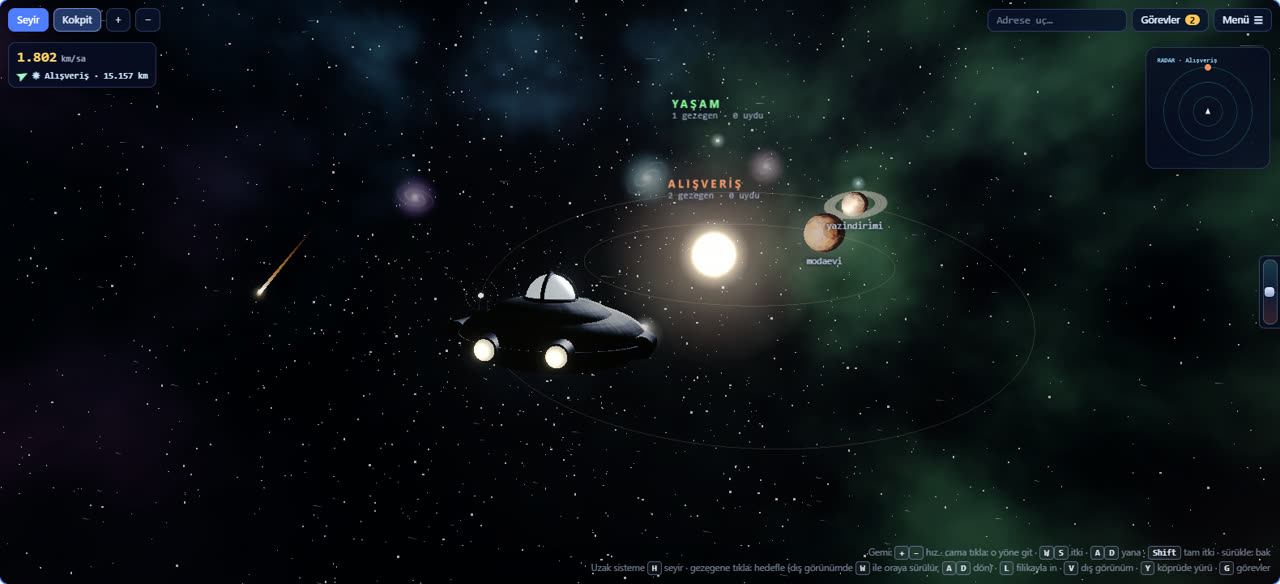
Themes are solar systems
Every link belongs to a theme: Shopping, Food and drink, Events, Education, Lifestyle. Each theme is a separate solar system. The theme is guessed from the address and title, and the owner can change it. The star map (H) shows every system from above; click one and fly there.
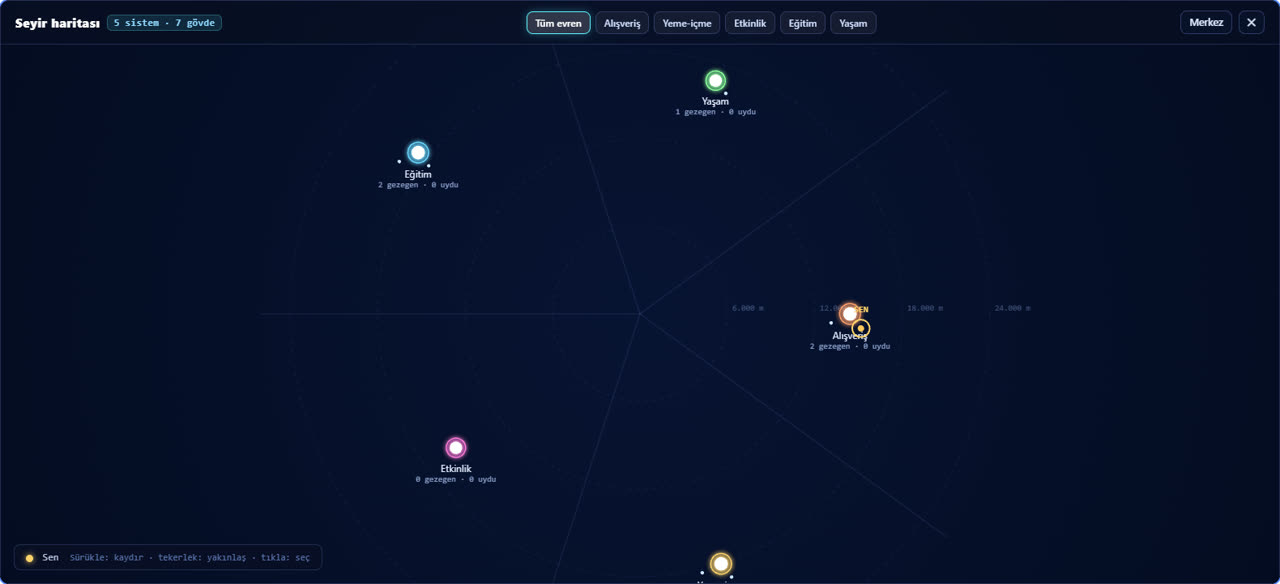
Score, planet and moon
- The score is refreshed daily: the last 30 days of traffic, installed features (A/B testing, smart routing, QR, share card…) and points from quests.
- The top 3 links of each theme and every link above 300 points are planets; the others are moons orbiting a planet.
- Appearing in the universe is optional and off by default. A public planet shows its short address, theme, score and features; raw traffic, the destination and the owner's identity are never shown.
From the ship to the surface
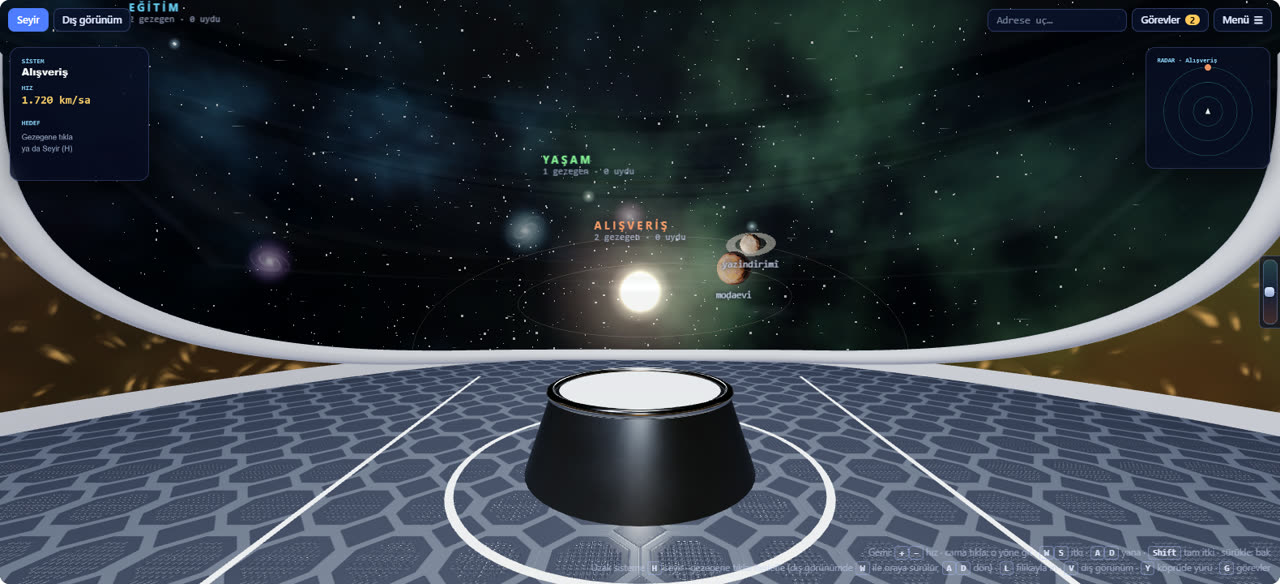
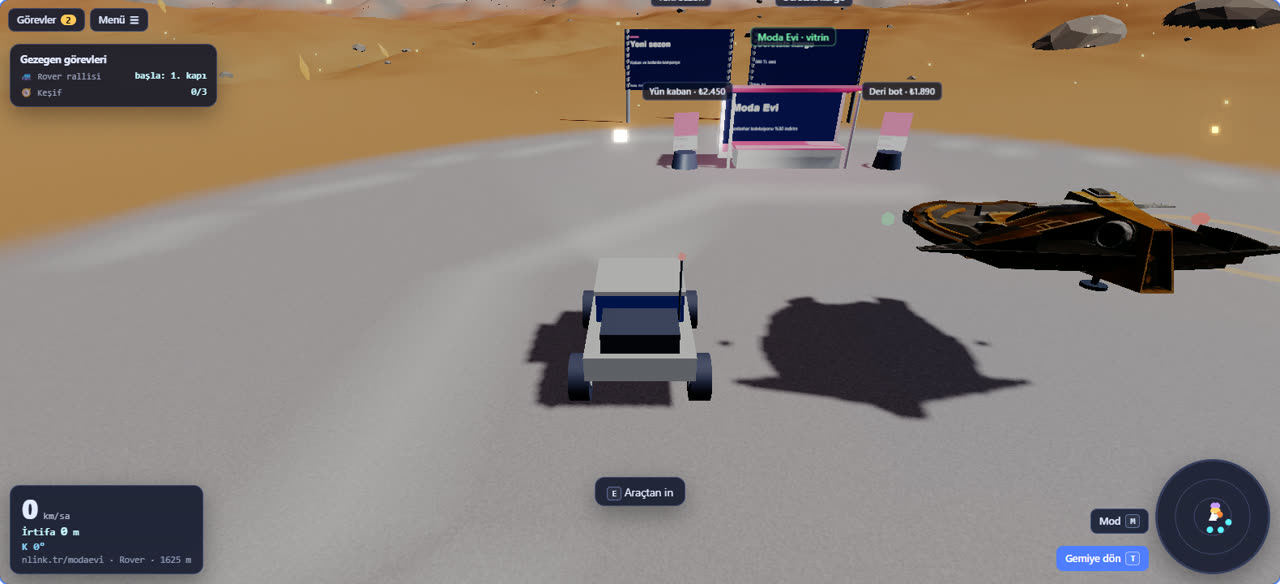
The game starts on the bridge of the mothership: look out of the window and click a planet to target it. Press L to land with the shuttle. On the surface you explore as an astronaut, a walker, an alien, in a rover or in the shuttle; at the lake you can take a jet ski from the pier.
On the surface, features not yet set up on the link stand as skeleton structures; walk up to one to install it. Every feature you add raises the planet's score.
Quests and storefronts
- Quests (G): daily, weekly and one-off quests that progress with real data such as total clicks, new links, visits from another country and QR scans. Points go to the planet you choose (up to 200 a day).
- Courses: a lake tour, a rover rally and exploration; points once a day per planet.
- Storefront: your brand places notice boards, products, prices and a contact form on its planet. Visitors walk around it on the surface and reach your site in one tap.
How do I join? (beta)
- Open nlink.tr/en/evren.
- Create a free account or sign in; your application is sent automatically.
- Once approved you get an e-mail and Link Universe appears in the menu. On first entry you open your links to the universe one by one or all at once.